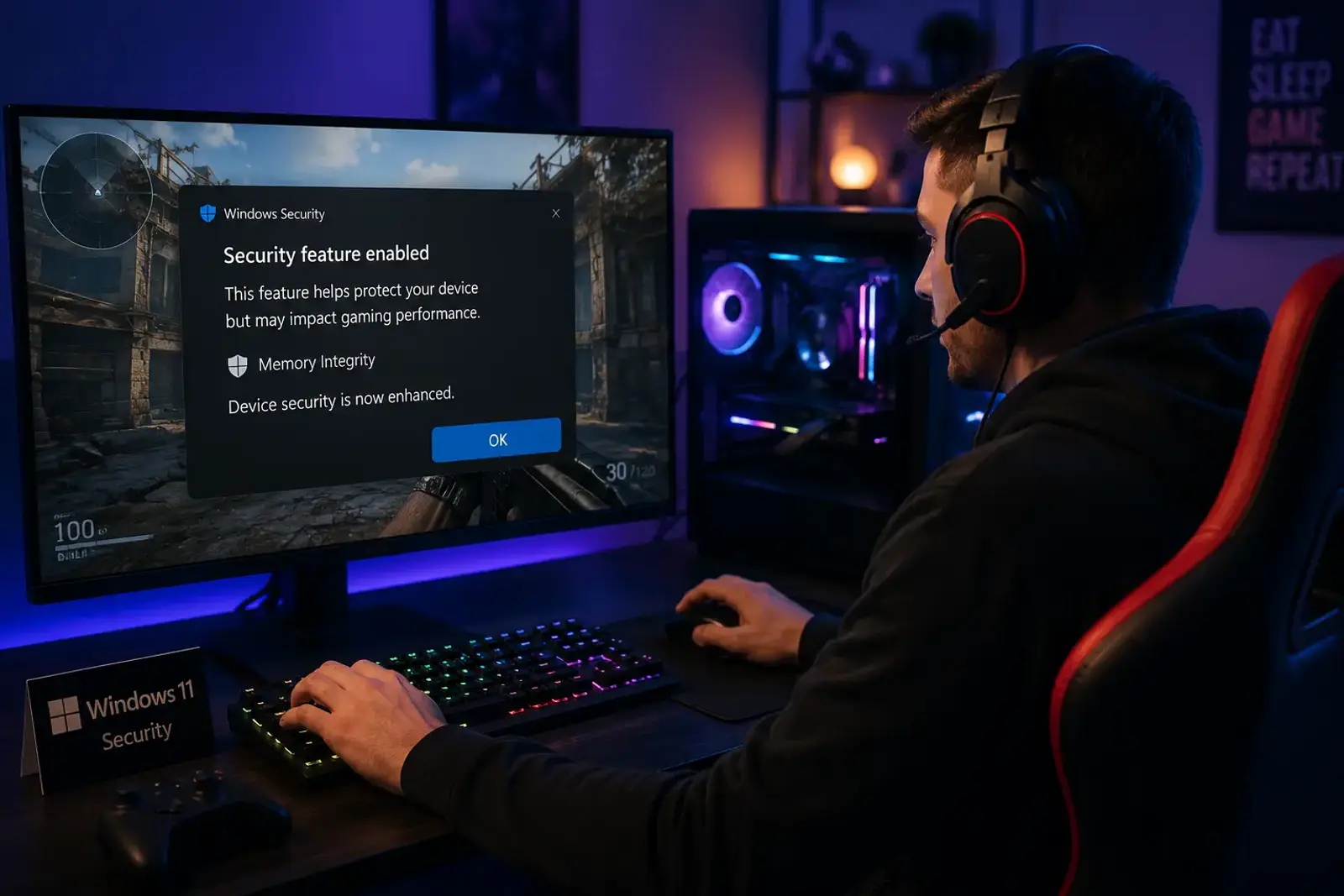
Microsoft is preparing to roll out automated quality updates for Windows 11 that will automatically activate the memory integrity security feature on eligible devices where it was previously inactive [1, 2, 3]. This upcoming change, scheduled to begin in October 2026, marks a significant shift in how the operating system balances default consumer security with system performance [1, 2, 3]. By making advanced defenses standard across a broader range of hardware, the technology giant aims to fortify machines against sophisticated kernel-level threats and malicious drivers [1, 2, 3]. However, because the underlying architecture demands dedicated computing resources, the modification has raised discussions among personal computer gamers and hardware enthusiasts regarding potential trade-offs in frame rates and overall system responsiveness [1, 2, 3, 4].
Automated Memory Integrity Activation on Windows 11 Systems
The core mechanism behind this upcoming rollout is memory integrity, also widely referred to as Hypervisor-protected Code Integrity, or HVCI [1, 3]. This security capability relies heavily upon Virtualization-based Security to isolate kernel code verification into a secure, virtualised environment [1, 2, 3]. By doing so, the operating system ensures that only verified, trusted system components and certified drivers are permitted to run, effectively closing off common vectors exploited by advanced malware and tampered software [1, 2, 3]. Peter Waxman, group program manager at Microsoft, noted that these incoming quality updates reflect a corporate commitment to establishing a computing environment that is secure by design and secure by default [1]. Nevertheless, the continuous background verification required by Virtualization-based Security consumes tangible CPU cycles, meaning that systems must dedicate a portion of their processing power strictly to maintaining this isolated defense perimeter [1, 2, 3].
Performance Implications and Independent Benchmark Findings
While modern high-end processors generally absorb virtualization overhead with minimal perceptible friction, older or mid-range hardware configurations frequently experience more noticeable performance penalties [1, 3]. Independent hardware testing conducted by publications such as ComputerBase previously documented measurable regressions on specific setups, including a six per cent drop in average frame rates and an eight per cent increase in frame time on a machine powered by an AMD Ryzen 7 5800X processor paired with a Radeon RX 7900 XTX graphics card [3]. Such findings highlight why the upcoming automated activation has caused discussion within the gaming community, where enthusiasts routinely optimize components to maximize frame rates [1, 3]. Microsoft has noted that the rollout will evaluate hardware compatibility and driver status before enforcement to ensure that systems do not encounter critical boot failures [3].
User Configurations and Management via Core Isolation Settings
To address concerns regarding autonomy and performance customization, Microsoft has built specific safeguards into the deployment strategy [1, 3]. Crucially, the upcoming updates will respect existing user or administrator configurations, meaning that if a machine owner has previously toggled memory integrity off, the automated routine will not forcibly re-enable it [1, 3]. For users who discover that the feature has been activated and wish to reclaim lost gaming performance, the operating system provides a direct manual override [1, 2, 3]. By searching for Core Isolation within the native Windows security application, individuals can view the status of memory integrity and toggle the feature on or off according to their operational needs [1, 2, 3]. Industry advisors and Microsoft representatives have suggested that users seeking peak gaming performance can manually disable the setting prior to launching demanding titles and re-enable it afterward, though this temporary toggle leaves the system momentarily vulnerable to unverified kernel-level intrusions during gameplay [1, 2, 3].
Future Hardware Compatibility and Milestone Outlook
As the October 2026 rollout approaches, hardware manufacturers and software developers face continued interest in ensuring complete driver compatibility with Virtualization-based Security standards [1, 2, 3]. The long-term success of this automated security expansion will depend heavily on how eligible legacy and modern machines handle the transition without triggering hardware instability or unexpected performance degradation [1, 3]. Observers will be monitoring early telemetry data from Microsoft to determine whether the hardware checks effectively filter out vulnerable machines and how the tech community adapts to managing core isolation settings in daily workflows [1, 3].